
Every website needs content that explains the business in a way people can understand quickly.
Most users do not read everything. They scan. If the content feels confusing or unorganized, they leave.
Search engines also depend on content structure to understand what a page is about.
Good website content helps in two ways:
- People understand what you offer without effort
- Google can match your pages with the right searches
But this only works when the content follows a proper structure.
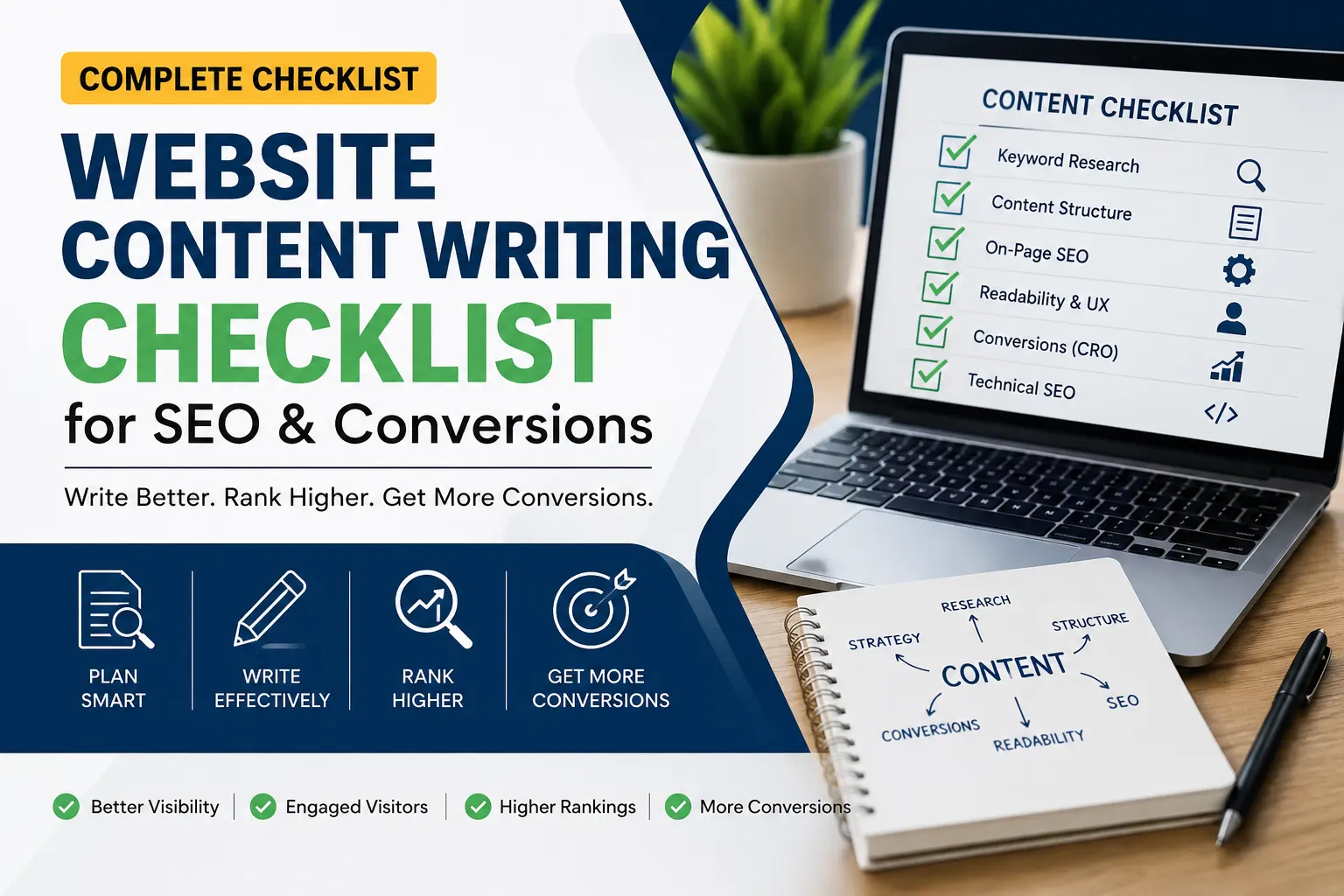
A website content writing checklist helps you stay on track before writing. It keeps the page focused and prevents missing important parts. Many brands also work with a content writing agency in Gurgaon to improve their website structure and content quality.
Understand Your Website Goal Before Writing Content
Before writing anything, it helps to know what the website is meant to achieve. This shapes every page that comes after.
Without this step, content often feels scattered. Pages exist, but they don’t work together.
Start with a few simple points:
Define primary business objective
Decide what the website should bring in. It can be leads, sales, enquiries, bookings, or basic awareness. Keep one main focus so the content stays aligned.
Identify target audience and intent
Be specific about who you are speaking to. What are they looking for? What do they expect when they land on your site? This helps you write in a way that feels relevant, not general.
Map user journey across pages
Think about how someone moves through the website. From homepage to service page to contact or action. Each page should naturally lead to the next step without forcing it.
Keyword Research Checklist for Website Content
Keyword research is the starting point of website content. If this step is wrong, the page usually won’t rank.
- Pick one main keyword for each page
- Add a few related keywords that fit the topic
- Check what users actually want when they search (information, service, or action)
- Look at competitor pages and note what keywords they use
- Use keywords where they naturally fit in the sentence
- Don’t repeat keywords too much in one page
- Assign different keywords to different pages (home, service, blog)
- Focus on long-tail keywords for better targeting
- Use words that people actually search in real life
Good keyword research makes writing easier because you already know what the page should focus on.
Website Content Structure Checklist
Website content should follow a proper order. If it feels messy, users stop reading.
- Start with a heading that tells what the page is about
- Focus on one topic per page
- Break content into small sections
- Use headings to separate ideas
- Keep paragraphs short
- Arrange points in a simple flow (basic to detailed)
- Keep related information together
- Put important points near the top
- Don’t mix different topics in one section
When the structure is right, the page becomes easier to read and follow.
Page-Wise Website Content Writing Checklist
Every page on a website has a different purpose. The content should change based on the page type.
Homepage
- Explain what the business does in simple words
- Show main services or products
- Add a short value statement
- Guide users to important pages
- Include a strong call to action
Service Page
- Explain the service in detail
- Mention the problem it solves
- Keep the language simple and direct
- Add benefits instead of just features
- End with a clear action step
About Page
- Share who you are and what you do
- Keep the story simple and real
- Focus on trust and experience
- Avoid unnecessary details
- Show why people should trust you
Landing Page
- Focus on one goal only
- Remove distractions
- Keep message direct
- Highlight benefits clearly
- Make the next step obvious
Good content depends on using the right structure for the right page.
On-Page SEO Checklist for Website Content
On-page SEO helps search engines understand your page and match it with the right searches.
- Use the main keyword in the title if it fits naturally
- Place the keyword in the first few lines when possible
- Add related words across the content
- Write a simple meta title and description
- Keep the URL short and easy to read
- Link to other relevant pages on your website
- Use images only where they add value
- Add alt text that explains the image
- Keep heading order proper (H1 → H2 → H3)
- Don’t repeat keywords too often
The goal is simple. The page should read naturally for users and still make sense to search engines.
Content Quality Checklist
Good website content is not about writing more. It is about writing what is needed.
- Use simple words
- Keep sentences short
- Don’t repeat the same idea
- Stay on one point at a time
- Give useful information, not filler lines
- Cut extra words that don’t add meaning
- Make sure every section answers something useful
- Stick to the main topic
- Read it once and check if it sounds natural
If the content feels heavy or confusing, people won’t read it. Keep it simple and useful.
UX and Readability Checklist
Website content should be easy to read on any device. Most users scan, not read word by word.
- Keep paragraphs short
- Use enough spacing between sections
- Break long content into small parts
- Use headings to guide the reader
- Make content easy to scan quickly
- Avoid long blocks of text
- Keep mobile reading in mind
- Highlight only important points, not everything
- Make flow smooth from one section to next
If users can read without effort, they stay longer on the page.
Conversion Optimization Checklist (CRO)
Website content should not only inform. It should also guide users to take action.
- Place one main call to action on the page
- Keep the action simple (call, form, message, buy)
- Repeat CTA only where it makes sense
- Explain what happens after the user clicks
- Add trust points like reviews or proof of work
- Make contact options easy to find
- Remove anything that distracts from the main goal
- Keep the message focused on user benefit
- Use natural wording in CTAs
If users understand what to do next, conversions improve.
Technical SEO Checklist for Website Content
Technical SEO makes sure your page can be read properly by search engines.
- Page should load fast
- Website should work well on mobile
- Use schema only where it is needed
- Check if the page is indexed in Google
- Fix broken links
- Keep URLs short and readable
- Use HTTPS on the website
- Compress images to reduce size
- Don’t block important pages in robots file
- Check page layout on mobile and desktop
If the technical setup is weak, even good content can struggle to rank.
Final Content Review Checklist Before Publishing
Before you publish a page, take a final look. Small issues often affect performance.
- Read the full page once from start to end
- Check if everything is easy to understand
- Remove any extra or repeated points
- Make sure headings are in order
- Check if keywords are placed naturally
- Confirm all links are working
- Review spelling and basic grammar
- Check if images and alt text are added properly
- See if the page works well on mobile
- Make sure the main action (CTA) is visible
Once this is done, the page is ready to publish.