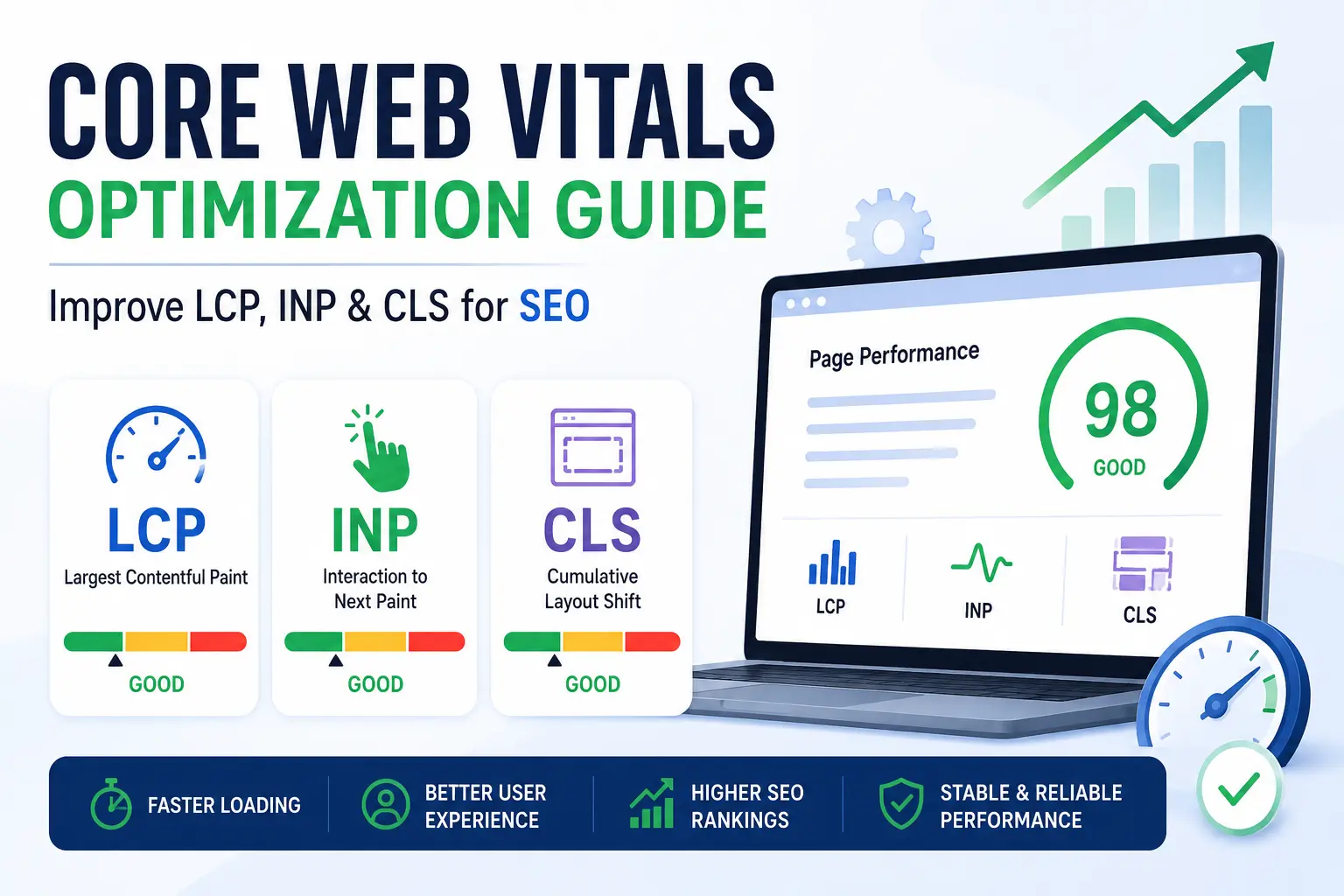
Core Web Vitals Optimization Guide
Core Web Vitals focus on three parts of a webpage. The first one shows how fast the main content of the page loads. The second one shows how the page responds when a user clicks or interacts with something. The third is whether the layout stays stable while the page loads.
In this guide, we explain what Core Web Vitals are in terms of good SEO practices. We also discuss practical ways to improve these metrics using common website performance practices.
What Are Core Web Vitals?
Core Web Vitals measure how quickly a webpage loads, becomes interactive, and maintains visual stability for users. Users experience negative effects when a page fails to load within an acceptable time frame. The loading process sometimes causes elements on the page to shift their positions. This movement makes it difficult for users to read content and select links on the screen.
Google developed Core Web Vitals to identify certain types of website performance issues. This system focuses on three elements of a website.
- The Largest Contentful Paint (LCP)
- The Interaction to Next Paint (INP)
- Cumulative Layout Shift (CLS):
These metrics help website owners to understand how their webpages perform for users.
Why Core Web Vitals Matter for SEO
Core Web Vitals are part of the ranking factors and the signals used by Google. These signals help evaluate how a webpage performs for users.
Improving these metrics can support SEO and website performance.
User Experience
Pages that load faster are easier to use. Users can see the content without long waiting time.
Bounce Rate
Slow pages may cause users to leave a website quickly. Faster pages can help users stay longer on the site.
Website Conversions
Website performance can influence user actions. Faster pages are easier for users to browse products, read information, or complete forms.
Tools to Measure Core Web Vitals
1. Google PageSpeed Insights
This pagespeed insights tool checks how a webpage performs. It shows performance data and suggests improvements that may help improve page speed.
2. Google Search Console
This tool provides a Core Web Vitals report.
3. Lighthouse
Lighthouse is a testing tool that analyzes website performance. It also checks accessibility and some technical aspects of a webpage.
4. Chrome DevTools
Chrome DevTools helps analyze how a webpage loads.
Advanced Core Web Vitals Optimization Strategies
Improve Server Performance
Server performance plays an important role in page loading.
Some common ways to improve server performance include:
- Using reliable and fast web hosting
- Enabling HTTP/2 or HTTP/3
- Using caching so frequently visited pages can load faster
Optimize JavaScript and CSS
Some common optimization practices include:
- Splitting large JavaScript files into smaller parts
- Removing CSS that is not used
- Loading JavaScript with defer or async to reduce blocking during page loading
Use Modern Image Formats
Images often take up a large portion of a webpage’s size. Large image files can increase loading time.
Using modern image formats can help reduce file size while keeping the image quality acceptable.
Two commonly used formats are:
- WebP
- AVIF
Common Core Web Vitals Mistakes
Many websites face Core Web Vitals problems because of simple page elements that create basic errors on their websites. The issues disrupt both the page loading process and the user perception of website stability.
Some common mistakes include:
- The webpage includes excessive third-party scripts
- It uses uncompressed large image files
- Webpage uses slow font elements, which require extended time to display
- It contains excessive JavaScript framework usage
- The webpage experiences element movement because ads load at a later time
Implementing solutions for these issues will enable websites to achieve improved loading times and maintain consistent page designs.
Future of Core Web Vitals
Website performance continues to matter for user experience. Google updates its performance metrics because this aspect remains important for user experience.
For example, the Core Web Vitals metric for 2024 introduced Interaction to Next Paint (INP) which replaced First Input Delay (FID) as the previous metric. The new system measures page response time during user interactions with the website.
Website owners should analyze their website performance at regular intervals. The website will experience improved page performance when its development practices follow proper updated website maintenance procedures.
Conclusion
Core Web Vitals provide a standardized method for measuring user experience on websites. Website owners can build faster and more dependable web experiences by improving loading speed and responsiveness and visual stability.
Largest Contentful Paint, Interaction to Next Paint, and Cumulative Layout Shift are three metrics that need to be improved because they make websites better for users and help them get better SEO results.
Websites need to keep an eye on their performance all the time and make technical improvements and design for user needs in order to keep their Core Web Vitals scores high, which are very important in today’s web world.