Local SEO for Small Business
Local SEO for Small Business: A Beginner’s Guide
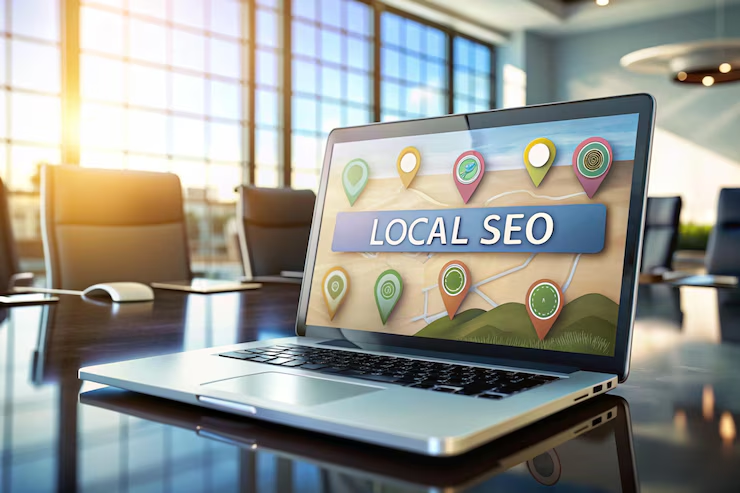
If you run a small business, you probably want more local customers to find you online. That’s where local SEO comes in. Local SEO helps your business show up in search results when people in your area look for products or services you offer. This guide will walk you through the basics of local SEO in simple terms.
What is Local SEO?
Local SEO stands for Local Search Engine Optimization. It’s about making sure your business appears in search results for people who are looking for businesses near them. For example, if you own a coffee shop in Dallas, local SEO helps your shop appear when someone searches for “coffee near me” in Dallas.
Why is Local SEO Important for Small Businesses?
Here’s why local SEO is crucial:
- Get Found Easily: Local SEO helps your business show up in searches when people nearby are looking for what you offer.
- Attract More Customers: People searching locally are often ready to visit or make a purchase, so appearing in these searches can bring in more customers.
- Affordable: Local SEO is usually less expensive than broader marketing strategies and can give you a great return on investment.
Simple Steps to Improve Your Local SEO
1. Set Up and Optimize Your Google My Business Profile
Google My Business (GMB) is a free tool that helps you manage how your business appears on Google. Here’s how to make the most of it:
- Complete Your Profile: Fill out your business name, address, phone number, and hours. Make sure everything is correct and up-to-date.
- Add Photos: Upload pictures of your business, products, or services to attract customers.
- Get Reviews: Encourage happy customers to leave reviews on your GMB profile. Respond to reviews to show that you value customer feedback.
2. Use Local Keywords
Keywords are words or phrases people type into search engines. For local SEO, use keywords that include your location. For example, if you’re a plumber in Seattle, use phrases like “Seattle plumber” or “plumbing services in Seattle” on your website.
3. Create Location-Specific Pages
If your business has multiple locations, create a separate page for each one on your website. Each page should include information about that specific location, like local landmarks or events.
4. Build Local Citations
A citation is an online mention of your business name, address, and phone number (NAP). Make sure your NAP details are the same everywhere they appear online. This helps search engines verify your business and improves your local search ranking.
5. Get Local Backlinks
Backlinks are links from other websites to yours. Try to get links from local websites, such as local news sites or blogs. These links help search engines see that your business is relevant to your area.
6. Make Your Website Mobile-Friendly
Many people search for businesses on their phones. Make sure your website looks good and works well on mobile devices. A mobile-friendly site helps keep visitors happy and can improve your search ranking.
7. Use Social Media
Social media is a great way to connect with local customers. Post about local events, special offers, or news related to your business. Use location tags to help people in your area find your posts.
How to Check If Your Local SEO is Working
To see if your local SEO efforts are paying off, keep an eye on:
- Search Rankings: Check where your business appears in local search results.
- Website Traffic: Look at how many visitors come to your site from local searches.
- Customer Reviews: Track the number of reviews and responses to see how customers are reacting.
Conclusion
Local SEO can make a big difference for your small business. By setting up and optimizing your Google My Business profile, using local keywords, and following these simple steps, you can improve your visibility and attract more local customers. Start with these basics, and you’ll be on your way to growing your business in no time.
For more tips on local SEO and digital marketing, keep checking our blog!