Optimize Your Google My Business Profile
How to Optimize Your Google My Business Profile for Local SEO
In today’s digital world, local SEO is crucial for businesses that want to be noticed by people nearby. One of the best tools for improving your local visibility is Google My Business (GMB). In this guide, we’ll explore what Google My Business is, why it’s important, and how to optimize your profile effectively. You’ll learn step-by-step how to claim your business, complete your profile, choose the right categories, add photos, write an engaging description, manage reviews, use posts, and monitor your insights. Let’s get started!
What is Google My Business?
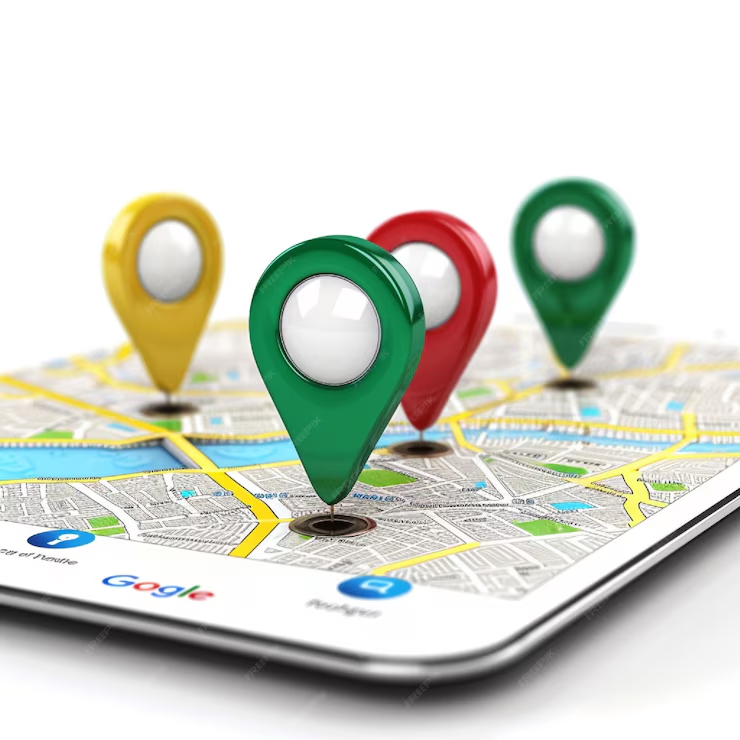
Google My Business is a free tool from Google that allows you to manage your business information on Google Search and Google Maps. By optimizing your GMB profile, you can increase your chances of appearing when people search for businesses like yours in your area.
Why is Google My Business Important?
A well-optimized GMB profile helps Google understand your business better, leading to higher rankings in local search results and on Google Maps. This means more people will find and interact with your business!
Steps to Optimize Your Google My Business Profile
1. Claim and Verify Your Business
Before you can start optimizing, you need to claim your business and verify it. Here’s how:
- Sign In: Log in with your Google account.
- Find Your Business: Search for your business in the GMB dashboard.
- Claim Your Business: If your business is listed, claim it. If not, create a new listing.
- Verify Your Business: Follow the steps provided by Google to verify your business. This might involve receiving a postcard, phone call, or email.
2. Complete Your Profile Information
Make sure all your business details are filled out accurately:
- Business Name: Use your official business name.
- Address: Double-check your address.
- Phone Number: Add a local phone number.
- Website: Link to your website.
- Business Hours: Keep your hours up-to-date.
Tip: Ensure your business info matches what’s on your website and other directories.
3. Choose the Right Categories
Selecting the right categories helps Google show your business for relevant searches:
- Primary Category: Choose the category that best describes your main business.
- Additional Categories: Add other relevant categories if needed.
Tip: Think about how your customers would search for your business.
4. Add High-Quality Photos
Photos make your profile more attractive. Here’s what to include:
- Profile Photo: Your business logo or a main image.
- Cover Photo: An image highlighting your main service or product.
- Interior and Exterior Photos: Show what your business looks like inside and out.
Tip: Update your photos regularly to keep things fresh.
5. Write an Engaging Business Description
Create a clear and engaging description of your business:
- Include Key Information: What you do, what makes you unique, and why people should choose you.
- Use Keywords: Include relevant words that people might search for.
Example: “At [Your Business Name], we offer excellent [service/product] in [City]. Our team is dedicated to providing top-quality [service] with great customer care.”
6. Encourage and Manage Reviews
Reviews are crucial for local SEO. Here’s how to handle them:
- Encourage Reviews: Ask happy customers to leave positive reviews.
- Respond to Reviews: Reply to reviews to show you value feedback.
- Monitor Your Reputation: Keep an eye on your reviews and address any issues.
Tip: Aim for a steady flow of reviews to build a good reputation.
7. Use Google My Business Posts
Posts let you share updates directly on your GMB profile:
- Promotions: Share special offers or discounts.
- Events: Announce upcoming events or sales.
- News: Post important updates about your business.
Tip: Keep your posts updated to keep your audience engaged.
8. Monitor Your Insights
GMB Insights show how people interact with your profile:
- Understand Customer Behavior: See how people find and interact with your business.
- Adjust Your Strategy: Use this data to improve your GMB profile and local SEO.
Tip: Regularly check your Insights to track performance and make improvements.
Conclusion
Optimizing your Google My Business profile is a great way to improve your local SEO and attract more customers. By following these simple steps and keeping your profile updated, you can enhance your online presence and stand out in local searches.
If you found this guide helpful, feel free to share it with others who want to boost their local SEO!