

Types Of Errors In SEO
SEO in the era of AI is rapidly changing and the process of doing seo has completely changed altogether. SEO is helpful for the business to get more traffic and more leads but sometimes some businesses fail to do it. There are a number of types of errors in SEO that can occur in the website. It can be either technical or anything moreover you should have a keen eye on these errors. You should be aware of these errors and you must know how to fix these errors. You should have strong knowledge of technical errors in seo like page loading speed, mobile friendly. Use AI and SEO tools to fix these errors.
There are lots of errors which can significantly affect website performance.
On-Page Errors in SEO
On-page SEO means the things you do on your own website to help it rank on Google. It includes your content, images, website code, page links, and layout. If there is any type of error in these areas, search engines may not understand your site. That can hurt your ranking. Let’s look at the most common on-page SEO errors.
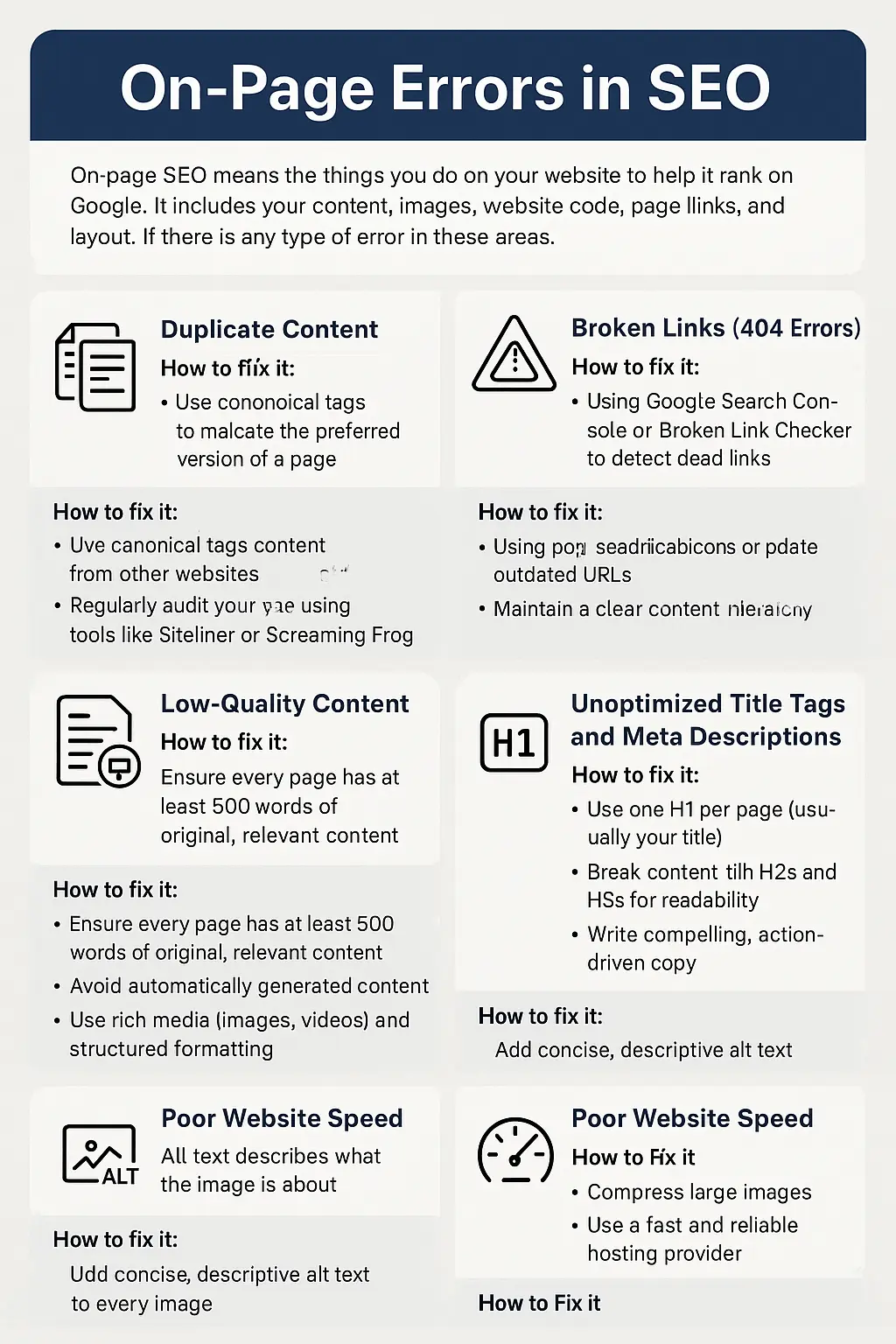
1. Duplicate Content
The duplicate content is a big SEO issue. It occurs when copy content is found on multiple page of your website or another website. This SEO error confuses the search engine to decide which content is original and which page to rank. This error can hurt the ranking of the website. Let’s understand how to fix it.
How to fix it:
- Use canonical tags to indicate the preferred version of a page
- Avoid copy-pasting content from other websites
- Regularly audit your site using tools like Siteliner or Screaming Frog
2. Broken Links (404 Errors)
Broken Links are those links which do not exist on your website. They are also called dead link. This ruins the user experience and reduces crawlability.
How to fix it:
- Use tools like Google Search Console or Broken Link Checker to detect dead links
- Set up 301 redirects or update outdated URLs
3. Low-Quality Content
Low Quality Content means pages have very little information and it is not helpful. These pages make the user experience bad. Google does not give priority to such pages to rank because these pages increase the bounce rate and send the negative quality signals to google.
How to fix it:
- Ensure every page has at least 500 words of original, relevant content
- Avoid automatically generated content
- Use rich media (images, videos) and structured formatting
4. Poor Internal Linking Structure
Poor Internal Linking site makes the visitors confused because they can’t find where to click next for which they want.
How to fix it:
- Link related blog posts and service pages naturally
- Use descriptive, keyword-rich anchor text
- Maintain a clear content hierarchy
5. Unoptimized Title Tags and Meta Descriptions
Title tags and meta descriptions are essential in terms of click-through rates and SEO. If they are not optimized or missing then the possibility of your link being clicked will decrease because it will show up in google when someone searches the query.If they are missing or not written well, fewer people will click.
How to fix it:
- Include your target keyword in the title and meta
- Keep titles under 60 characters and meta descriptions under 155 characters
- Write compelling, action-driven copy
6. Improper Use of Header Tags
Header tags should be used in an organised way or in a hierarchy. If you randomly put headings in a blog then it is not considered good practice in SEO
How to fix it:
- Use one H1 per page (usually your title)
- Break content with H2s and H3s for readability
- Maintain logical hierarchy
7. Missing Alt Text in Images
Alt text describes the google what the image is about because search engines can’t understand your visuals.
How to fix it:
- Add concise, descriptive alt text to every image
8. Poor Website Speed
If your website is not appearing fully on a user device less than 3 seconds then it counts as poor website speed. You should make sure that the website has fast loading speed on desktop or mobile devices.
How to Fix It:
- Compress large images
- Use a fast and reliable hosting provider
- Reduce extra plugins and heavy scripts
- Use caching tools to speed up page loading
9. Slug
The errors in url can also affect the ranking because a bad url and messy slug won’t let your website appear on the top. Slug should be well formatted so users can understand what the content is all about.
How to Fix It:
- Keep slugs short and simple
- Use your main keyword in the slug
Technical SEO Errors
Technical SEO makes sure that search engines can easily crawl and index the website. If you have written optimized content but technical errors can stop your website from ranking on google. This is one of the major types of errors in SEO.
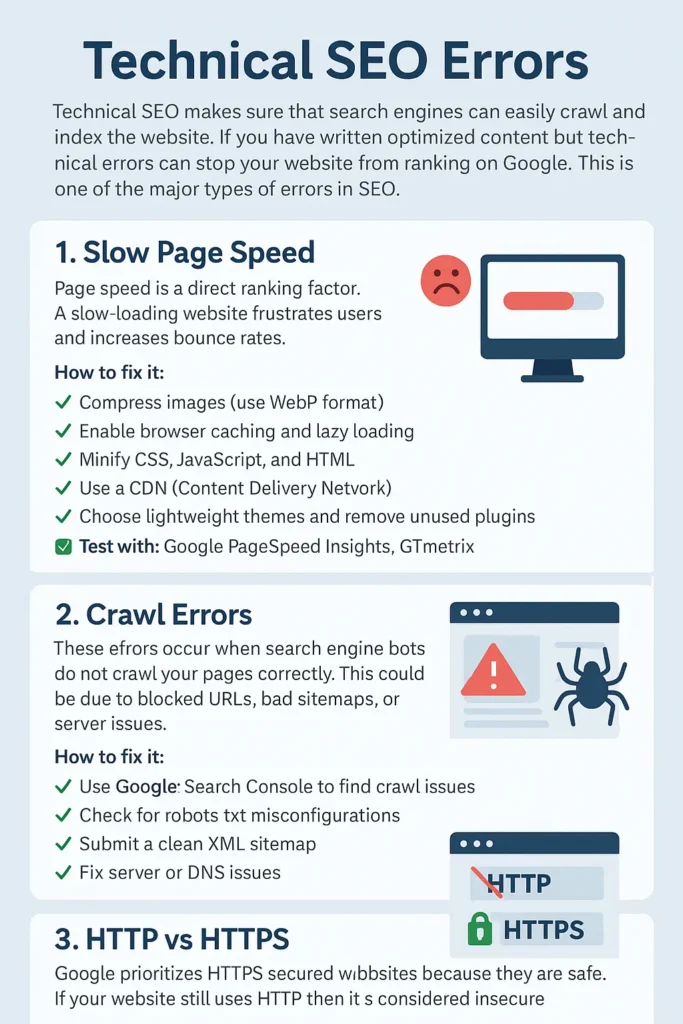
Let’s learn the most common technical SEO issues and how to resolve them.
1. Slow Page Speed
Page speed is a direct ranking factor. A slow-loading website frustrates users and this increases bounce rates.
How to fix it:
- Compress images (use WebP format)
- Enable browser caching and lazy loading
- Minify CSS, JavaScript, and HTML
- Use a CDN (Content Delivery Network)
- Choose lightweight themes and remove unused plugins
✅ Test with: Google PageSpeed Insights, GTmetrix
2. Crawl Errors
These Errors occur when search engine bots do not crawl your pages correctly. This could be due to blocked URLs, bad sitemaps, or server issues.
How to fix it:
- Use Google Search Console to find crawl issues
- Check for robots.txt misconfigurations
- Submit a clean XML sitemap
- Fix server or DNS issues
3. HTTP vs HTTPS
Google prioritizes HTTPS secured websites because they are safe. If your website still uses HTTP then it is considered insecure .
How to fix it:
- Install an SSL certificate
- Redirect all HTTP pages to HTTPS using 301 redirects
- Update internal links and sitemaps
Off-Page SEO Errors
The activity which we do outside the website like creating backlink. If you focus on building high quality backlink that helps a lot in ranking. Some of the most harmful types of errors in SEO happen here.
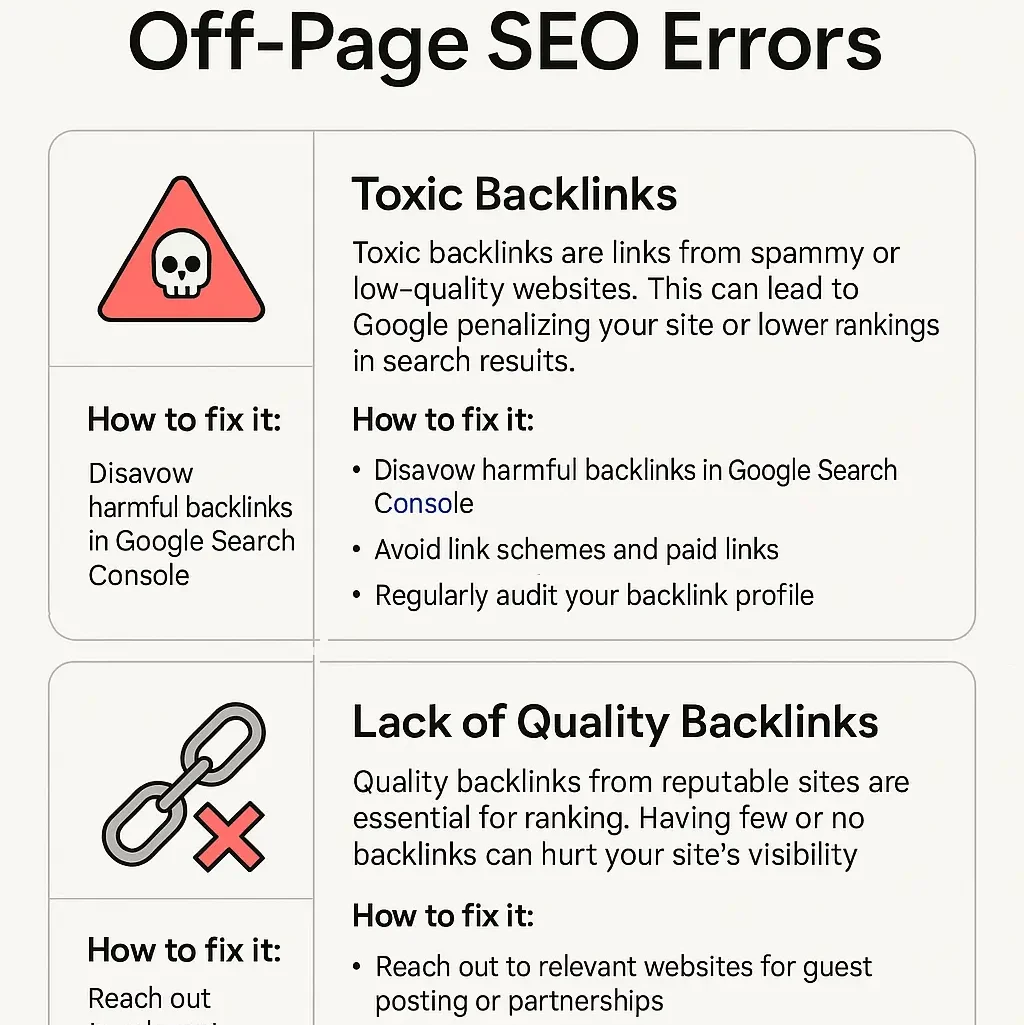
Let’s look at the most common off-page SEO errors and how to avoid them.
1. Spammy Backlinks
Spammy backlinks means backlink from spammy and low quality and unrelated websites can hurt the SEO.
How to fix it:
- Check backlinks using tools like Ahrefs, SEMrush, or Google Search Console
- Remove or disavow the bad links with Google’s Disavow Tool
- Try to get links from trusted, relevant websites
How To Find Seo Errors In Website
You can have a better idea about the errors in the website in terms of SEO so if you are thinking about how you can get those errors in the website. There are several SEO audit tools available in the market which are paid. You can use any of them like Semrush, Ahref to find types of errors in SEO on your site.. I would like to suggest the screaming frog for a complete detailed audit of the website. You can find all on page and technical errors in your website very easily. You can also know the error codes like 301 error in SEO and 404 error in SEO.
How To Find Seo Errors In Website
You can have a better idea about the errors in the website in terms of seo so if you are thinking about how you can get those errors in the website. There are several seo audit tools available in the market which are paid. You can use any of them like semrush,ahref and so on. I would like to suggest the screaming frog for a complete detailed audit of the website. You can find all on page and technical errors in your website very easily. You can also know the error codes like 301 error in seo and 404 error in seo.
What are error codes in SEO?
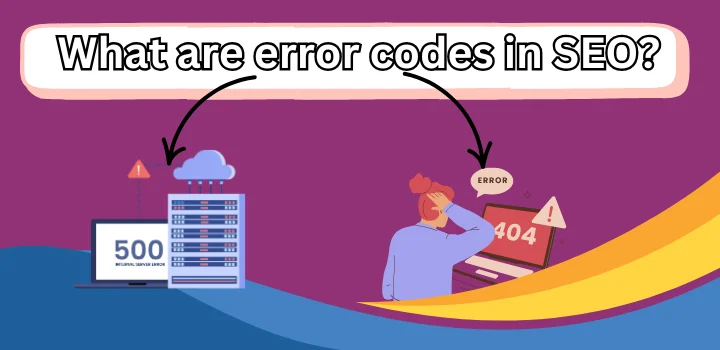
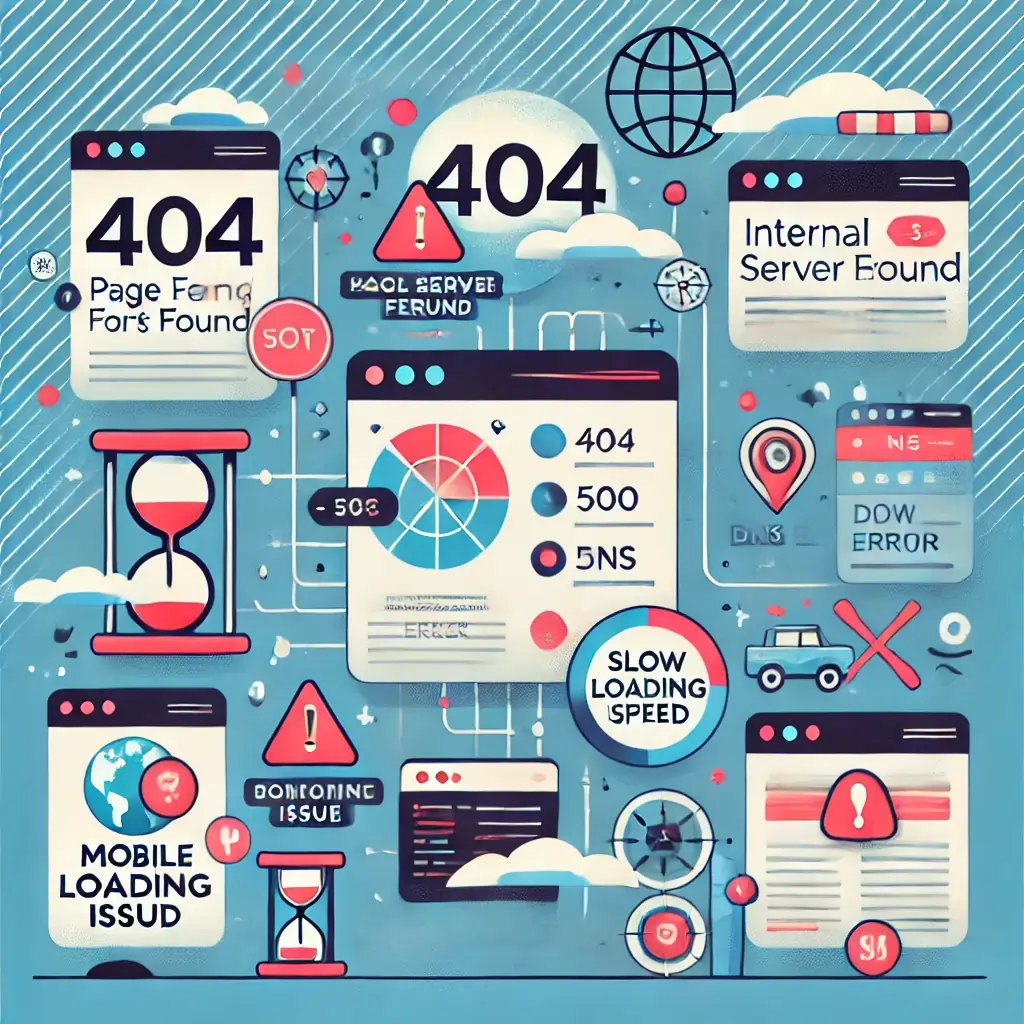
Error code means HTTP status code that tells what is the issue with the website. The errors can be from the client side or server side.
- 404 Error : This error occurs when your page or post does not exist on the website.
- 301 Error : This error means your page is permanently shifted to the new url.
- 302 Error : This error means your page is temporarily redirected to the new url.
- 500 Error : This is the Server side when the server is not able to deliver the valid request.
- 503 Error : This is also server side error when server is low to handle the request.
How to fix SEO issues
You can fix these issues just by using the plugin if you are WordPress or any other CMS. For 404, 301, 302 Errors you can use the redirect plugins. For 500. 503 Error you should use good hosting.
Conclusion
SEO is very important for getting traffic and leads to your website but Errors in SEO can hurt your ranking. These errors can be on-page, off-page, or technical. Ahrefs, or Screaming Frog can help you find and fix these problems easily. If your site is on WordPress, many errors can be fixed using simple plugins. Good SEO always helps your website to grow, and avoid common SEO errors to make your site stronger. If you know the types of errors in SEO then it will help you to fix it easily. Need help fixing SEO errors on your website? Contact us today for a free audit.
FAQs
How do I check for SEO errors on my website?
You can use SEO audit tools like SEMrush, Ahrefs, or Screaming Frog to find the SEO errors.
Can SEO errors affect my website ranking?
Yes, SEO errors can lower your search rankings, reduce traffic, and impact your website’s performance.
How Many tools are there for SEO audit?
There are several tools but some of them are Ahref,Semrush,Screaming Frog.
What are common SEO errors?
Common SEO errors include duplicate content, broken links, missing alt text, slow page speed, and poor mobile optimization.
How to fix technical SEO mistakes?
You can fix technical SEO mistakes by improving site speed, using HTTPS, submitting sitemaps, fixing crawl errors, and optimizing mobile usability.



Can you be more specific about the content of your article? After reading it, I still have some doubts. Hope you can help me.