Email Marketing for New Websites
Email Marketing for New Websites: A Simple Guide
Starting a new website is like opening a new store. You want people to come in, look around, and buy things. The best way to do this is through email marketing. In this guide, we will learn how to use email to get people to visit your new website and keep them coming back!
What Is Email Marketing?
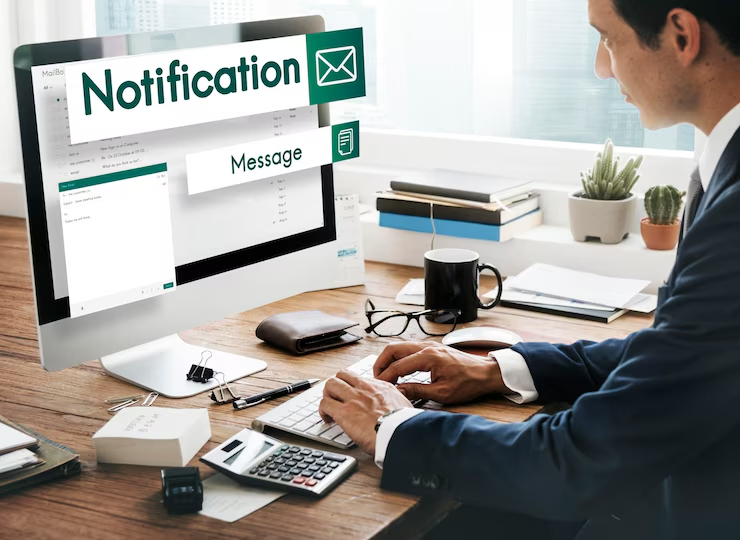
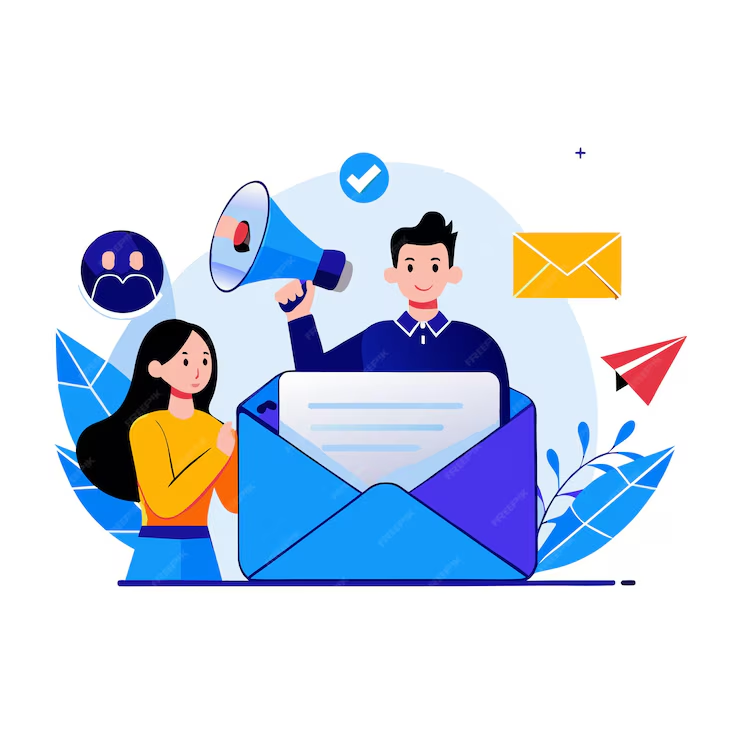
Email marketing is when you send messages to people’s email inboxes. These messages can tell them about your new website, special offers, and fun things you have to share. Email marketing helps you talk to your visitors and make them happy.
Why Is Email Marketing Important?
Email marketing is important for many reasons:
- Talk to People: Email lets you talk directly to your visitors. You can tell them what is new and exciting!
- Save Money: Email marketing is not too expensive. It helps you reach a lot of people without spending too much money.
- Bring People Back: When you send emails, people are more likely to return to your website. This can help you get more visitors and more sales.
- Know Your Audience: With email, you can learn more about what your visitors like. This helps you send them messages that matter to them.
How to Start Email Marketing
Let’s go step by step on how to use email marketing for your new website!
1. Choose an Email Service
First, you need to choose a place to help you send emails. These are called email service providers. Some popular ones are:
- Mailchimp
- Constant Contact
- SendinBlue
- ConvertKit
These services help you organize your emails and send them to many people at once.
2. Build Your Email List
Now, you need to get people to sign up for your emails. This is called building your email list. Here’s how you can do it:
- Sign-Up Forms: Put a box on your website where people can write their email addresses. This way, they can join your list easily.
- Offer Something Special: Give something away for free! For example, you could offer an eBook, a discount, or a fun video. People love free stuff!
- Use Social Media: If you have social media pages, tell your followers to sign up for your email list. You can share links that go straight to your sign-up form.
3. Create Fun and Interesting Emails
When you write emails, make sure they are fun and interesting. Here are some ideas for your emails:
- Newsletters: Share updates about your website. Tell people about new articles, products, or events.
- Special Offers: Give your email subscribers special discounts or offers. This makes them feel special!
- Helpful Tips: Send out tips and tricks related to your website. If your site is about cooking, share a recipe!
4. Make It Personal
When you send emails, try to make them personal. Use the person’s name in the email. For example, “Hi Sarah!” This makes the email feel special and friendly.
You can also talk about things you know they like. If they signed up for cooking tips, send them cooking emails!
5. Divide Your List
As you grow your email list, you might want to divide it into smaller groups. This is called segmentation. It helps you send better emails. Here’s how to do it:
- Age Groups: If you know the ages of your subscribers, you can send different emails to kids and adults.
- Interests: If some people like cooking and others like gardening, send them different emails based on what they like.
By dividing your list, you can send emails that make sense for each group!
6. Use Email Automation
Email automation means sending emails automatically. This saves you time! Here are some types of automated emails:
- Welcome Emails: When someone joins your list, send them a welcome email. Say thank you for signing up and tell them what to expect.
- Birthday Emails: If you ask for birthdays, send a special email with a birthday surprise!
- Reminders: If someone leaves something in their shopping cart, send them a reminder email. This helps them remember to come back!
7. Check Your Results
After you send emails, you want to see how they did. This is called tracking your results. Here are some things to check:
- Open Rate: This shows how many people opened your email. A good open rate means people are interested!
- Click Rate: This tells you how many people clicked on the links in your email. If they clicked, they liked what you shared!
- Unsubscribes: If someone leaves your list, that’s called unsubscribing. It’s normal, but if many people unsubscribe, you may need to change your emails.
Best Practices for Email Marketing
Here are some best practices to help you with email marketing:
1. Write Catchy Subject Lines
The subject line is what people see first. Make it fun and interesting! For example, besides “New Recipe,” say “Yummy Chocolate Cake Recipe Inside!”
2. Make Emails Easy to Read
Use short sentences and simple words. Use pictures to make your emails look nice. This helps people enjoy reading your emails.
3. Include Clear Buttons
If you want people to click on something, make a big button! Use words like “Shop Now” or “Learn More.” This tells them what to do next.
4. Test Your Emails
Before you send an email, check it! Look for mistakes and make sure it looks good. You can also try sending two different emails to see which one people like better.
5. Stay Consistent
Try to send emails regularly. You can send them once in a week or once in a month. Being consistent helps people remember your website.
Conclusion
Email marketing is a powerful way to connect with people and grow your new website. By building your email list, creating fun content, and sending personalized messages, you can attract more visitors and keep them coming back. Remember to track your results and make improvements along the way.
With patience and effort, your email marketing can help your new website thrive! So, get started today and watch your audience grow!